Add page numbers to PDF online
Perfect for exhibits, loan packages, tax binders and business plans.
🔒 Files never leave your device — processed 100% in your browser
Select a PDF or drop it here
One file at a time
Prefer a human?
Get help from a tax pro
Tax filing, bookkeeping and audit assistance — plus LLC formation, E-2 business plans and entity-choice planning — from Simplybestservices LLC (SBS), the team behind Tax Easy.
Make it automatic
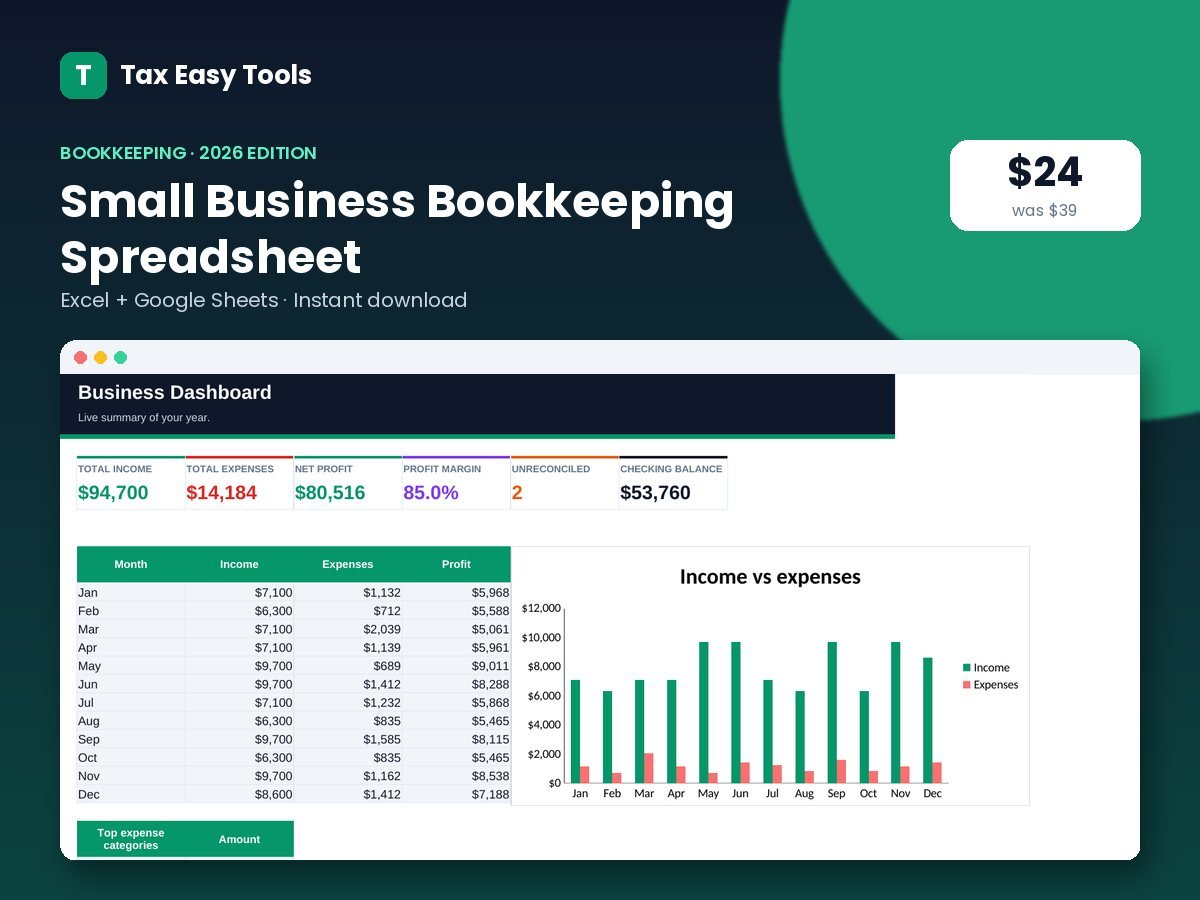
Small Business Bookkeeping Spreadsheet
Income & expense tracker with automatic monthly P&L, dashboard and year-end summary.
$24 $39
How to use the Add Page Numbers
- Select your PDF.
- Choose position, format and the starting number.
- Click Add page numbers and download.
Questions about the Add Page Numbers
Is my file uploaded?
No. The PDF is processed entirely inside your browser with JavaScript/WebAssembly—nothing is sent to a server.
Can I skip the cover page?
Yes—tick “Don't number the first page”. Numbering then starts on page 2 with your chosen start number.
Will it cover my content?
Numbers are placed in the page margin (about 0.4 in from the edge).