Merge PDF files online — free & private
Combine invoices, receipts, contracts or tax documents into a single PDF, in the order you choose.
🔒 Files never leave your device — processed 100% in your browser
⬆
Select PDF files or drop them here
Add 2 or more PDFs · reorder with the arrows
Make it automatic
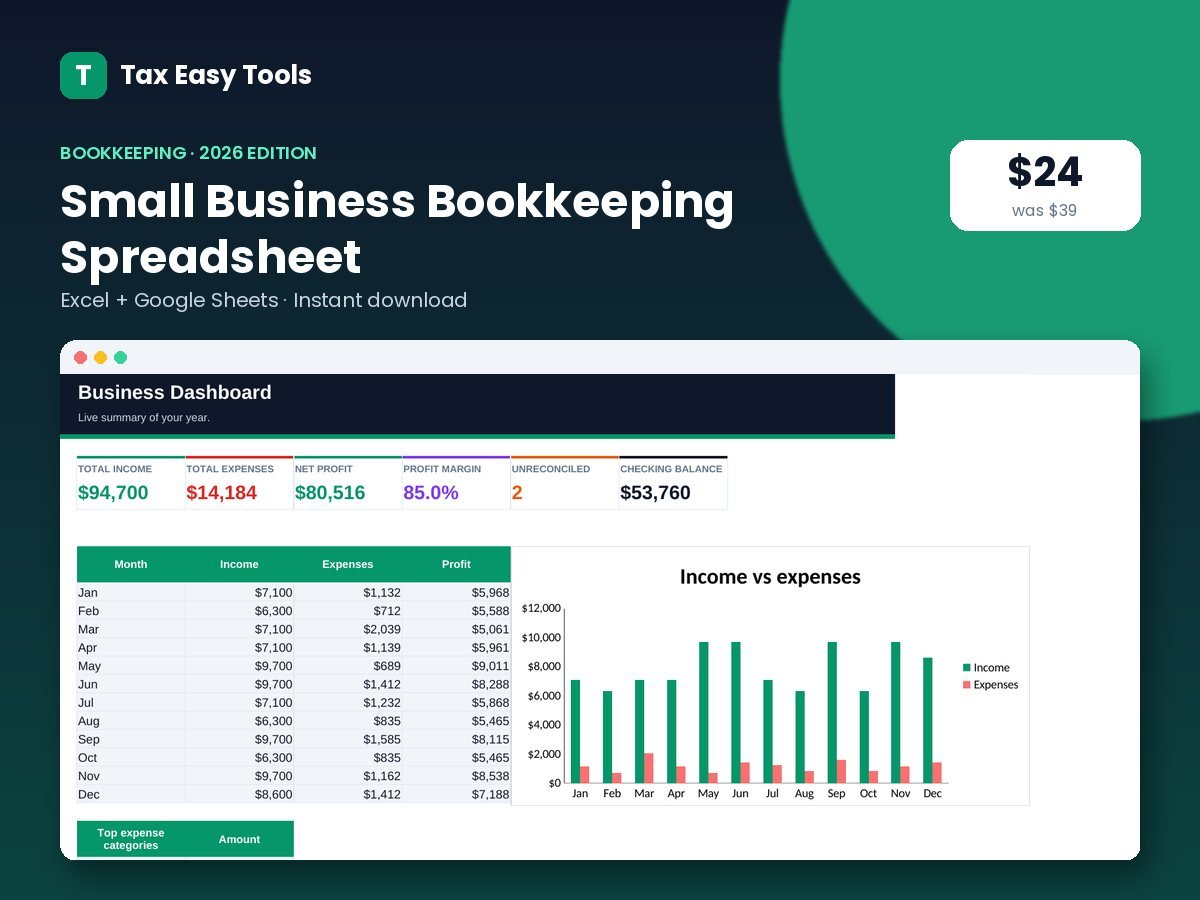
Small Business Bookkeeping Spreadsheet
Income & expense tracker with automatic monthly P&L, dashboard and year-end summary.
$24 $39
How to use the Merge PDF
- Select or drag in two or more PDF files.
- Use the arrows to put them in the right order.
- Click Merge PDFs and download your combined file.
Questions about the Merge PDF
Are my files uploaded to a server?
No. The merge runs entirely in your browser using JavaScript. Your PDFs never leave your computer or phone.
Is there a file size or file count limit?
There's no fixed limit—it depends on your device's memory. Hundreds of pages work fine on most computers.
Can I merge password-protected PDFs?
Encrypted PDFs need to be unlocked first; the tool will show an error for files it can't read.