Compare two PDFs — see text differences
Spot what changed between two versions of an agreement before you sign.
🔒 Files never leave your device — processed 100% in your browser
Original PDF
Version A
Changed PDF
Version B
Prefer a human?
Get help from a tax pro
Tax filing, bookkeeping and audit assistance — plus LLC formation, E-2 business plans and entity-choice planning — from Simplybestservices LLC (SBS), the team behind Tax Easy.
Make it automatic
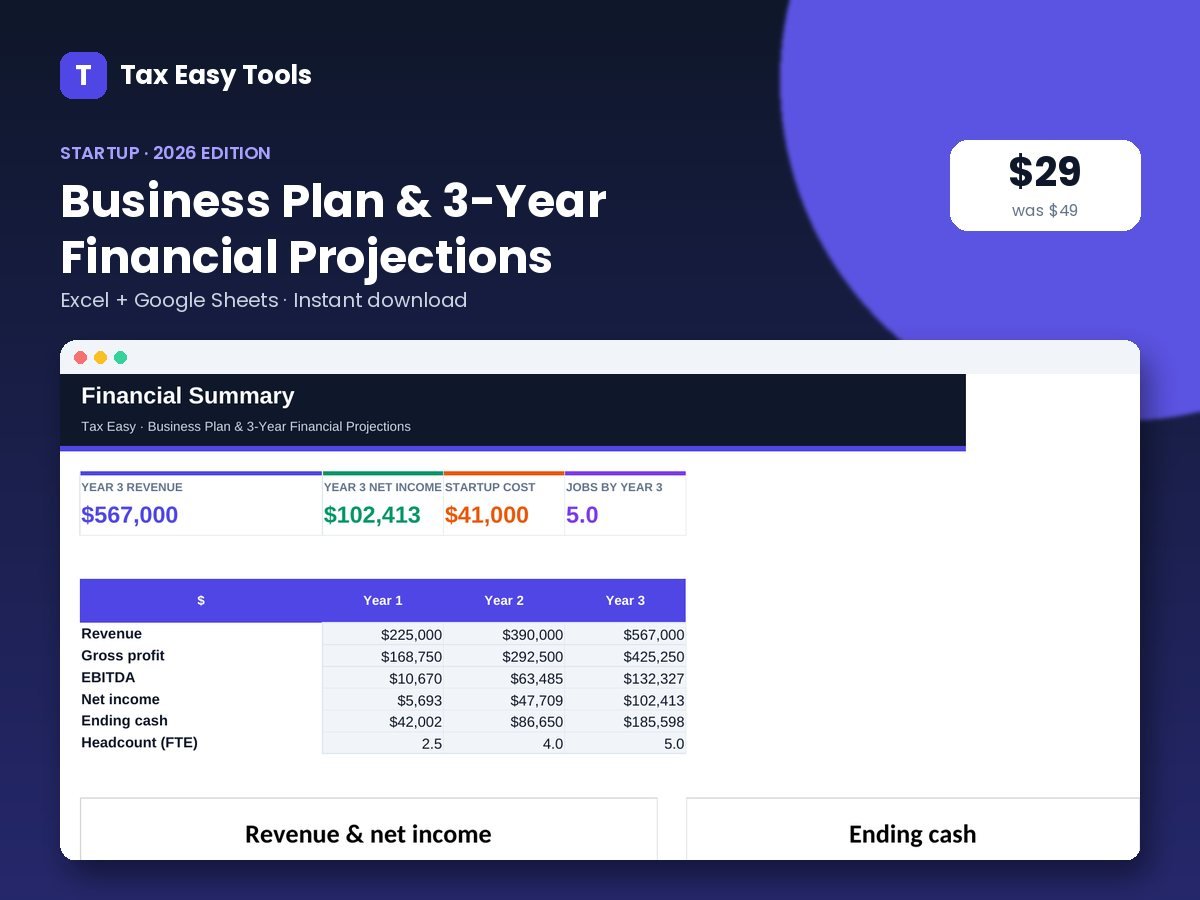
Business Plan & 3-Year Financial Projections
Investor- and lender-ready business plan template with a linked financial model.
$29 $49
How to use the Compare PDF
- Select the original PDF.
- Select the new version.
- Click Compare PDFs to see removed (red) and added (green) text, and download the report.
Questions about the Compare PDF
Is my file uploaded?
No. The PDF is processed entirely inside your browser with JavaScript/WebAssembly—nothing is sent to a server.
Does it compare images or layout?
It compares the text content line by line (with word-level highlights). Scanned PDFs without a text layer need OCR first.
How big can the files be?
Hundreds of pages work on most computers; very long documents may take a few seconds.