Fill in PDF forms online — free, no upload
Complete W-9s, applications and client intake forms without printing or uploading them anywhere.
🔒 Files never leave your device — processed 100% in your browser
Select a PDF or drop it here
One file at a time
Form fields
Add text anywhere
Type below, then click the preview where it should go. Click a placed text to remove it.
General information, not legal or tax advice. Check the output before you share or file it.
Prefer a human?
Get help from a tax pro
Tax filing, bookkeeping and audit assistance — plus LLC formation, E-2 business plans and entity-choice planning — from Simplybestservices LLC (SBS), the team behind Tax Easy.
Make it automatic
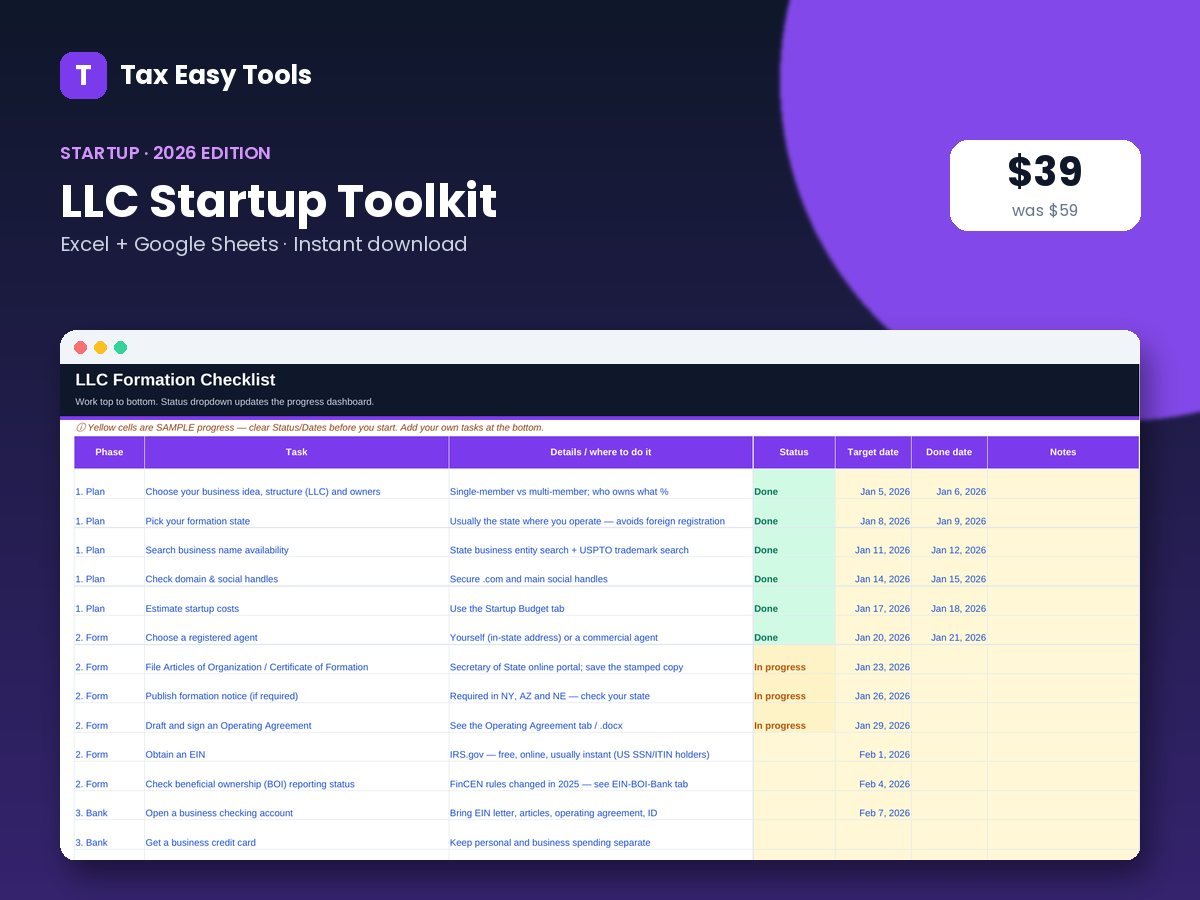
LLC Startup Toolkit
Step-by-step formation checklist, EIN guide, banking setup, compliance calendar & more.
$39 $59
How to use the Fill PDF Form
- Select your PDF form.
- Fill in the detected fields, or type text and click on the page to place it.
- Click Save filled PDF (tick Flatten to lock the answers).
Questions about the Fill PDF Form
Is my file uploaded?
No. The PDF is processed entirely inside your browser with JavaScript/WebAssembly—nothing is sent to a server.
What if my PDF has no fillable fields?
Use “Add text anywhere”: type, then click on the page preview where the text should go. You can add as many as you need on any page.
Does it work with IRS forms?
Most IRS fillable PDFs (like Form W-9) use standard form fields that this tool can fill. Some forms use XFA, which browsers can't edit, so use Adobe Reader for those.
What does flatten mean?
Flattening turns form fields into regular page content, so the answers can't be changed easily.
Related tax guides
- LLC Tax Tips: How Your LLC Is Taxed and When to Consider an S-Corp Election
- What the New Tax Law Means for Small Businesses and LLC Owners