Password protect a PDF — AES-256
Encrypt tax returns, bank statements and IDs before sending them by email.
🔒 Files never leave your device — processed 100% in your browser
Select a PDF or drop it here
One file at a time
Prefer a human?
Get help from a tax pro
Tax filing, bookkeeping and audit assistance — plus LLC formation, E-2 business plans and entity-choice planning — from Simplybestservices LLC (SBS), the team behind Tax Easy.
Make it automatic
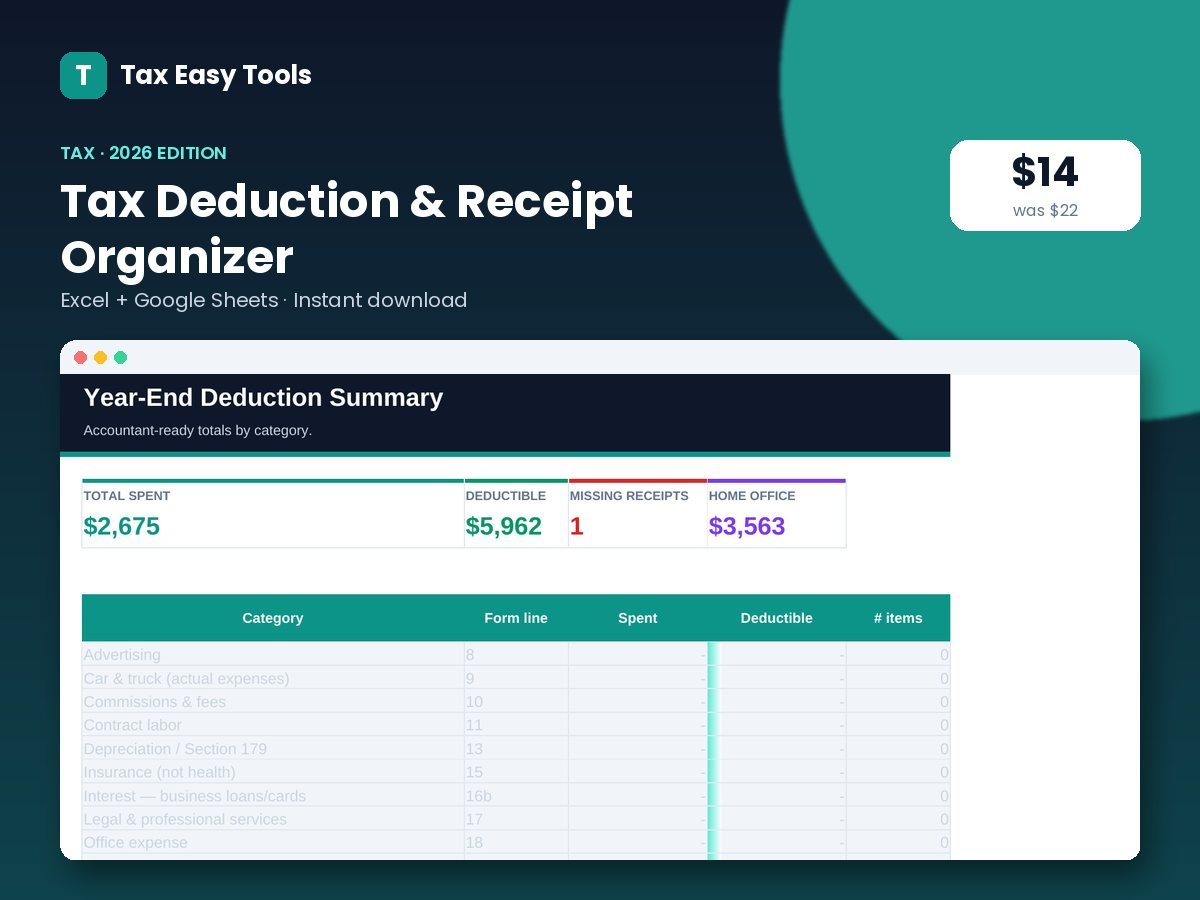
Tax Deduction & Receipt Organizer
Capture every deductible expense with business-use % and receipt status tracking.
$14 $22
How to use the Protect PDF
- Select your PDF.
- Enter a strong password twice.
- Click Protect PDF and download the encrypted file.
Questions about the Protect PDF
Is my file uploaded?
No. The PDF is processed entirely inside your browser with JavaScript/WebAssembly—nothing is sent to a server.
What encryption is used?
AES-256 (PDF 2.0 / Acrobat X standard) via qpdf compiled to WebAssembly. Anyone opening the file needs the password.
What if I forget the password?
We never see or store it, so it can't be recovered. Keep a copy of the original file.