Redact PDF — permanently black out SSNs & sensitive info
Safely share tax returns, bank statements and W-2s with the sensitive numbers really removed, not just covered.
🔒 Files never leave your device — processed 100% in your browser
Select a PDF or drop it here
One file at a time
Auto-find
Manual
Drag on the preview to draw a box. Click a box to remove it.
General information, not legal or tax advice. Check the output before you share or file it.
Prefer a human?
Get help from a tax pro
Tax filing, bookkeeping and audit assistance — plus LLC formation, E-2 business plans and entity-choice planning — from Simplybestservices LLC (SBS), the team behind Tax Easy.
Make it automatic
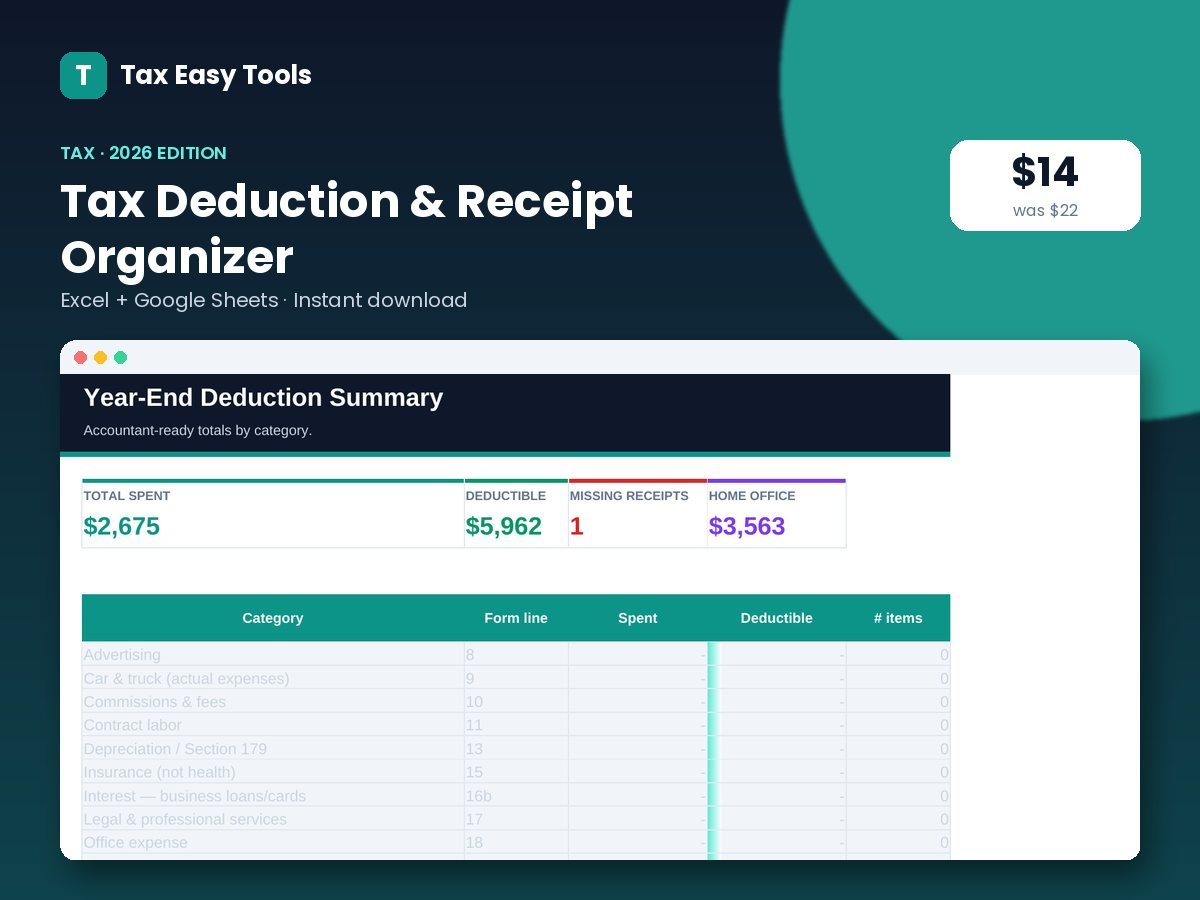
Tax Deduction & Receipt Organizer
Capture every deductible expense with business-use % and receipt status tracking.
$14 $22
How to use the Redact PDF
- Select your PDF.
- Use Auto-find for SSNs, EINs, accounts, emails or words, and/or drag boxes on the preview.
- Click Redact & download. Every page is flattened, so the hidden text is really gone.
Questions about the Redact PDF
Is my file uploaded?
No. The PDF is processed entirely inside your browser with JavaScript/WebAssembly—nothing is sent to a server.
Is the redaction permanent?
Yes. Each page is re-drawn as an image with the black boxes burned in. The original text layer isn't copied, so redacted text can't be selected, searched or recovered from the new file.
Can I still search the text afterwards?
No. Because pages are flattened, the redacted PDF has no selectable text. Keep your original in a safe place.
Does Auto-find catch everything?
It finds text that matches the patterns in the PDF's text layer. Scanned images have no text layer, so draw boxes manually on those and always review every page before sharing.