Sign PDF online — draw or type your signature
Sign operating agreements, contracts, W-9s and engagement letters without printing.
🔒 Files never leave your device — processed 100% in your browser
Select a PDF or drop it here
One file at a time
👉 Click on the page preview where the signature should go. Switch pages to sign more than one page.
Prefer a human?
Get help from a tax pro
Tax filing, bookkeeping and audit assistance — plus LLC formation, E-2 business plans and entity-choice planning — from Simplybestservices LLC (SBS), the team behind Tax Easy.
Make it automatic
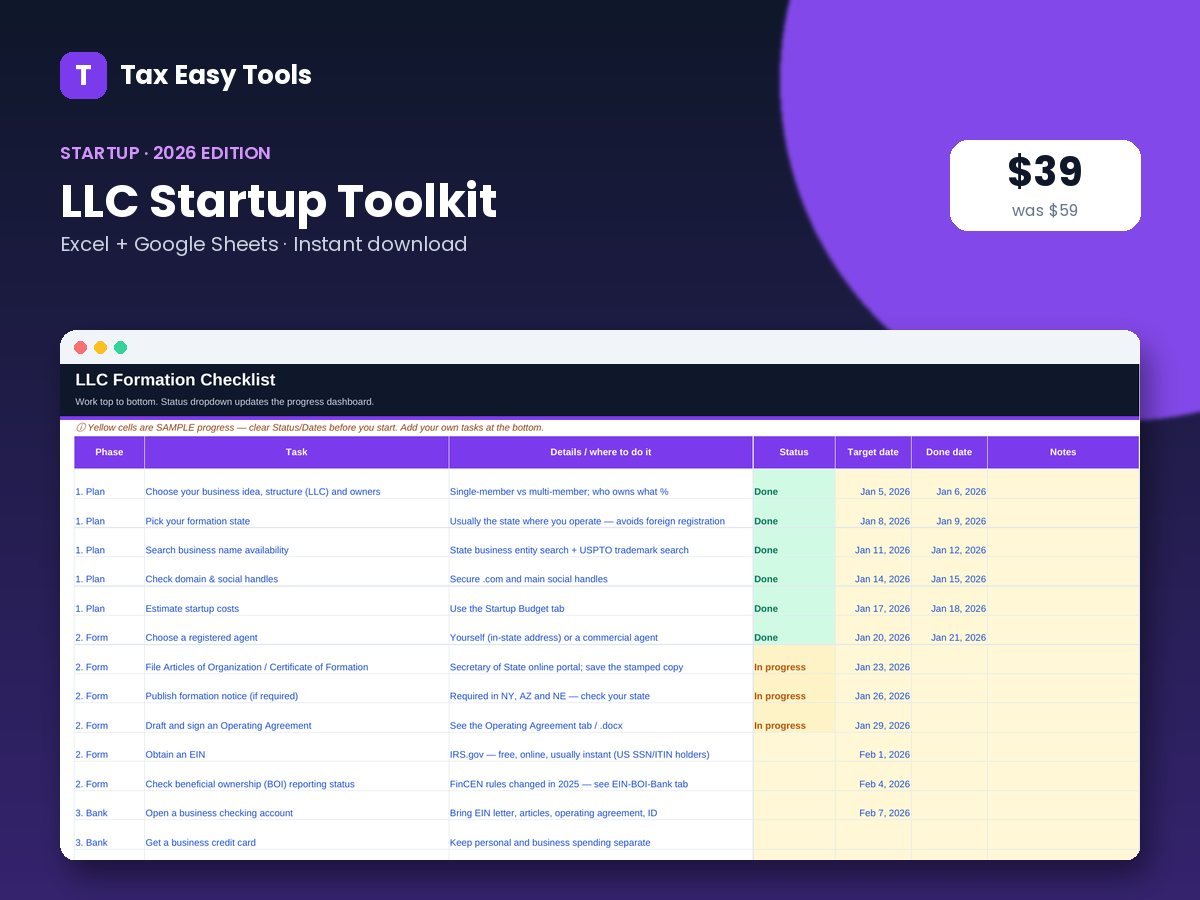
LLC Startup Toolkit
Step-by-step formation checklist, EIN guide, banking setup, compliance calendar & more.
$39 $59
How to use the Sign PDF
- Select your PDF.
- Draw your signature or type your name.
- Click the page preview where it should go (repeat on other pages), then Sign & download.
Questions about the Sign PDF
Is my file uploaded?
No. The PDF is processed entirely inside your browser with JavaScript/WebAssembly—nothing is sent to a server.
Is this a legally binding e-signature?
In the US, the ESIGN Act and UETA generally recognize electronic signatures, but some documents (e.g., wills, certain notarized forms) have special rules. This tool adds a visual signature image; it does not add a certificate-based digital signature or audit trail.
Can I sign several pages?
Yes—change the Page number and click the preview again for each page.