Unlock PDF — remove a PDF password
Tired of typing the password for every bank or payroll statement? Save an unlocked copy.
🔒 Files never leave your device — processed 100% in your browser
Select a PDF or drop it here
One file at a time
Prefer a human?
Get help from a tax pro
Tax filing, bookkeeping and audit assistance — plus LLC formation, E-2 business plans and entity-choice planning — from Simplybestservices LLC (SBS), the team behind Tax Easy.
Make it automatic
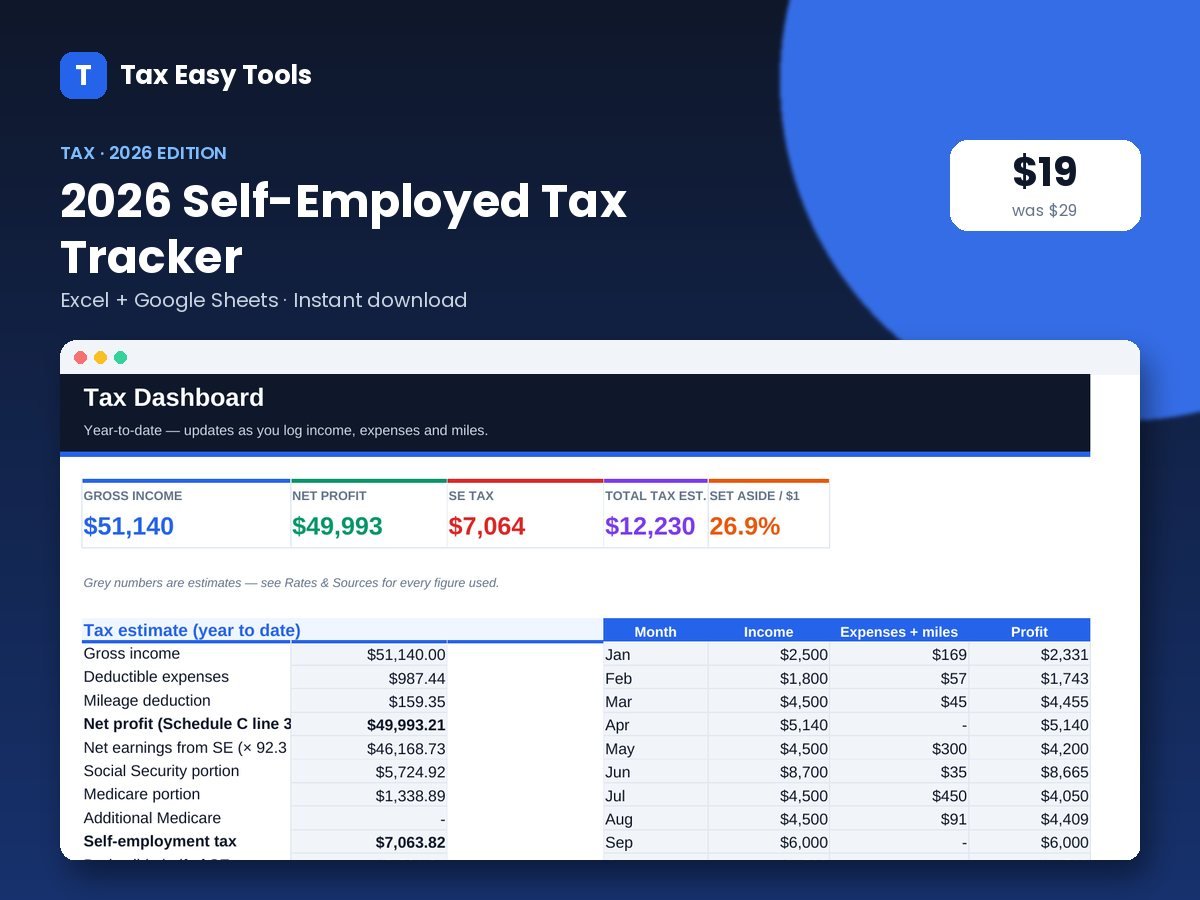
2026 Self-Employed Tax Tracker
Schedule C bookkeeping, quarterly estimated tax & set-aside calculator for 1099 freelancers.
$19 $29
How to use the Unlock PDF
- Select the protected PDF.
- Enter its current password (not needed for restriction-only PDFs).
- Click Unlock PDF and download the unlocked copy.
Questions about the Unlock PDF
Is my file uploaded?
No. The PDF is processed entirely inside your browser with JavaScript/WebAssembly—nothing is sent to a server.
Can it crack a password I don't know?
No. You need the password to open the file; the tool then removes it. Only unlock documents you own or are authorized to use.
What about print/copy restrictions?
PDFs that open without a password but block printing or copying are unlocked without entering anything.