Add a watermark to PDF — free & private
Mark invoices PAID, drafts DRAFT or client files CONFIDENTIAL in seconds.
🔒 Files never leave your device — processed 100% in your browser
⬆
Select a PDF or drop it here
One file at a time
Prefer a human?
Get help from a tax pro
Tax filing, bookkeeping and audit assistance — plus LLC formation, E-2 business plans and entity-choice planning — from Simplybestservices LLC (SBS), the team behind Tax Easy.
Make it automatic
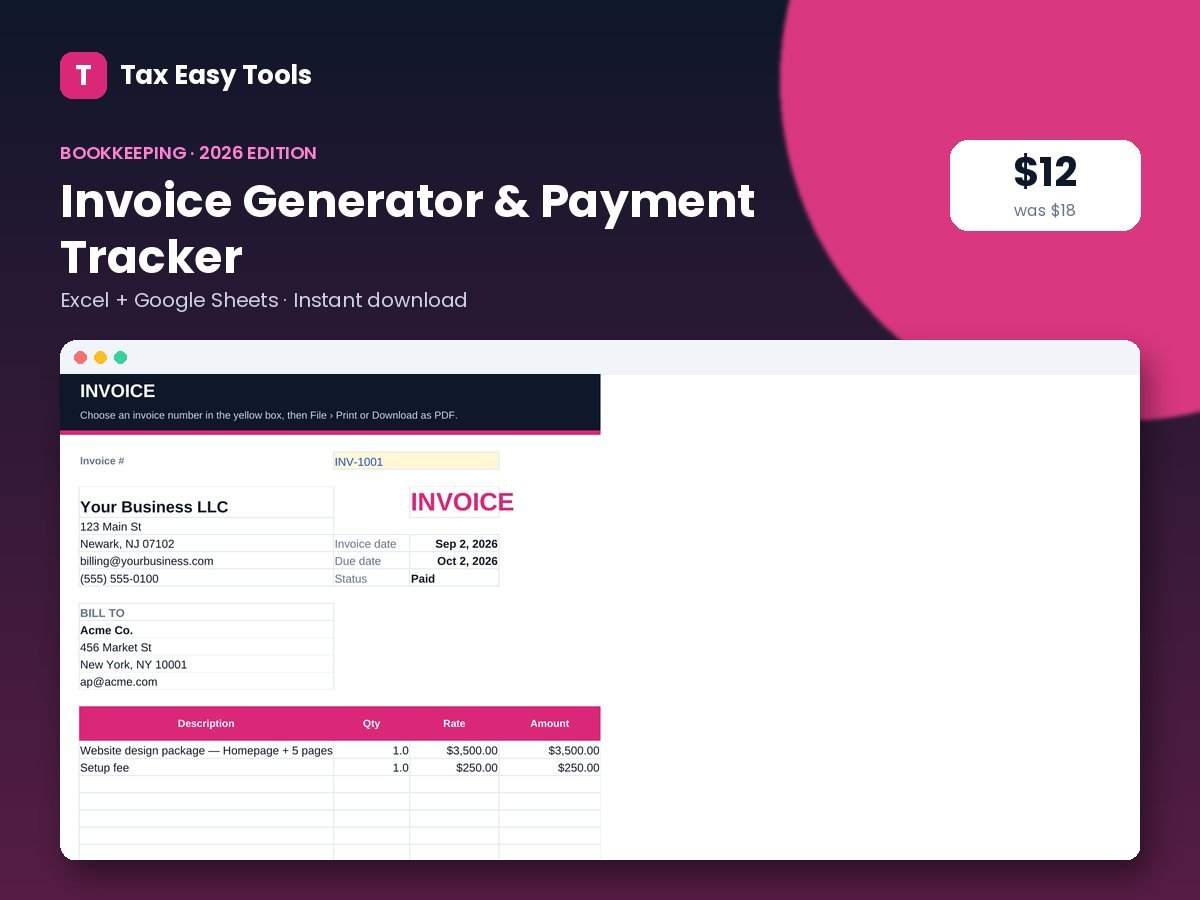
Invoice Generator & Payment Tracker
Branded invoices in one click, plus an aging report so you get paid on time.
$12 $18
How to use the Watermark PDF
- Select your PDF.
- Type the watermark text and pick size, color, opacity and angle.
- Click Add watermark and download the stamped PDF.
Questions about the Watermark PDF
Is my file uploaded?
No. The PDF is processed entirely inside your browser with JavaScript/WebAssembly—nothing is sent to a server.
Can I watermark only some pages?
Yes—enter page ranges such as 1-3, 7 in the Pages box.
Which characters are supported?
Standard Latin letters, numbers and punctuation (the built-in Helvetica font).