PDF to Text — extract text from a PDF
Copy figures from statements and invoices into your spreadsheet without retyping.
🔒 Files never leave your device — processed 100% in your browser
Select a PDF or drop it here
One file at a time
Prefer a human?
Get help from a tax pro
Tax filing, bookkeeping and audit assistance — plus LLC formation, E-2 business plans and entity-choice planning — from Simplybestservices LLC (SBS), the team behind Tax Easy.
Make it automatic
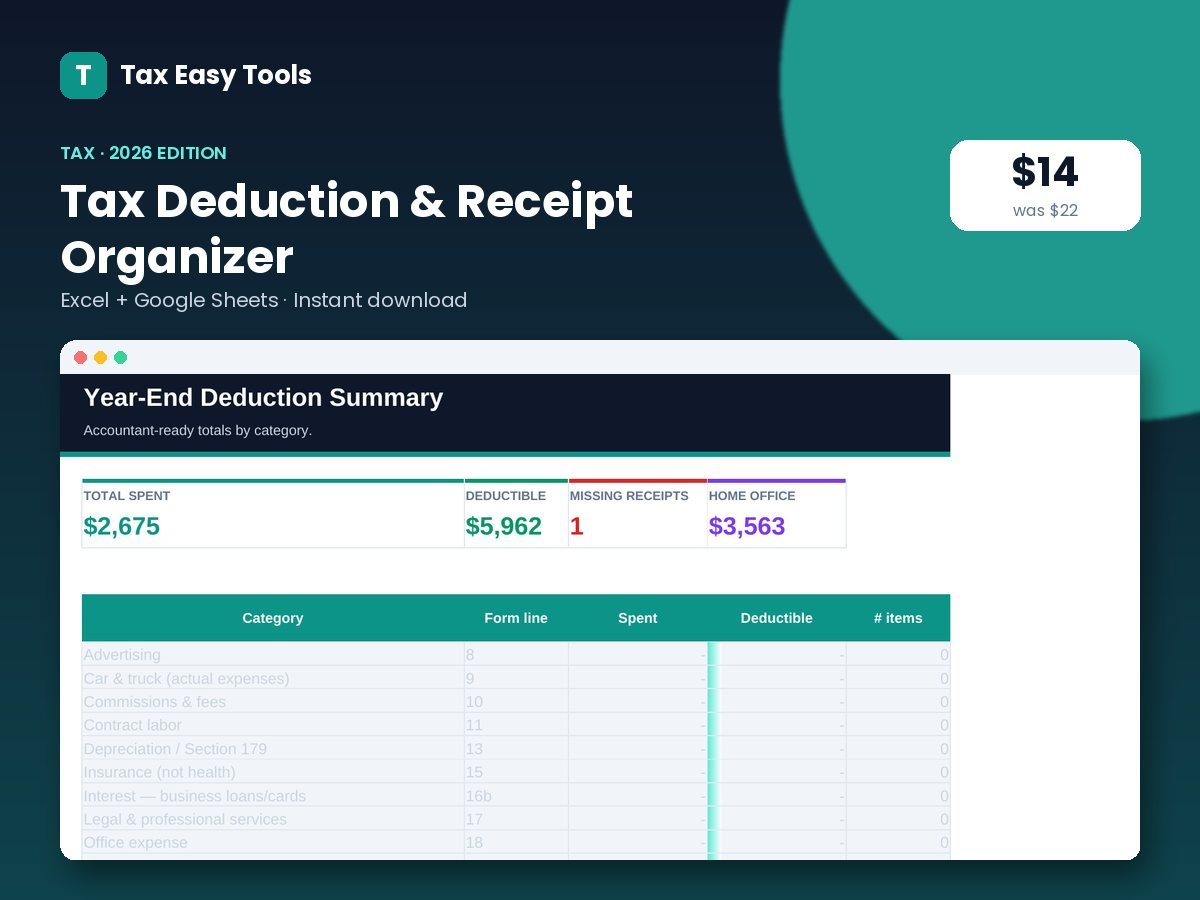
Tax Deduction & Receipt Organizer
Capture every deductible expense with business-use % and receipt status tracking.
$14 $22
How to use the PDF to Text
- Select a PDF.
- Click Extract text.
- Copy the text or download the .txt file.
Questions about the PDF to Text
Is my file uploaded?
No. The PDF is processed entirely inside your browser with JavaScript/WebAssembly—nothing is sent to a server.
Why is my result empty?
Scanned PDFs are images with no text layer. They need OCR (optical character recognition), which this free tool doesn't do.
Is the layout kept?
Line breaks are kept and each page is labeled; columns and tables become plain lines.