Word to PDF — convert DOCX in your browser
Turn letters, proposals and agreements into PDFs that look the same for everyone.
🔒 Files never leave your device — processed 100% in your browser
Select a Word file (.docx)
Older .doc files: open in Word and Save As .docx first
Preview
Prefer a human?
Get help from a tax pro
Tax filing, bookkeeping and audit assistance — plus LLC formation, E-2 business plans and entity-choice planning — from Simplybestservices LLC (SBS), the team behind Tax Easy.
Make it automatic
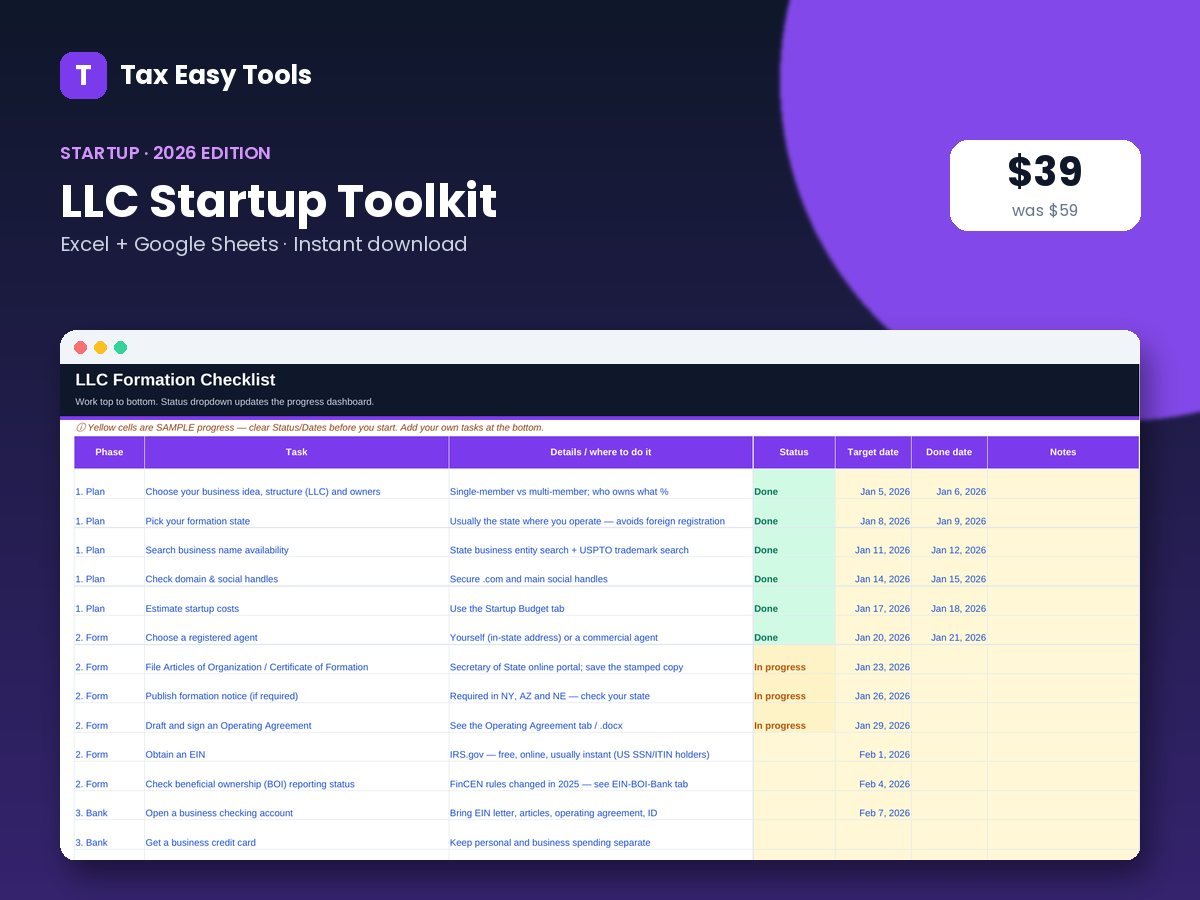
LLC Startup Toolkit
Step-by-step formation checklist, EIN guide, banking setup, compliance calendar & more.
$39 $59
How to use the Word to PDF
- Select a .docx file.
- Check the preview and choose the page size.
- Click Convert to PDF and download.
Questions about the Word to PDF
Is my file uploaded?
No. The PDF is processed entirely inside your browser with JavaScript/WebAssembly—nothing is sent to a server.
Will it look exactly like Word?
Best effort: text, headings, bold/italic, lists, tables and images are kept, but exact fonts, headers/footers and complex layouts may differ. Pages are rendered as high-resolution images, so text isn't selectable.
Does it support .doc?
Only .docx. In Word, use File → Save As → .docx first.